1Part 1 of 2
Send your first messages
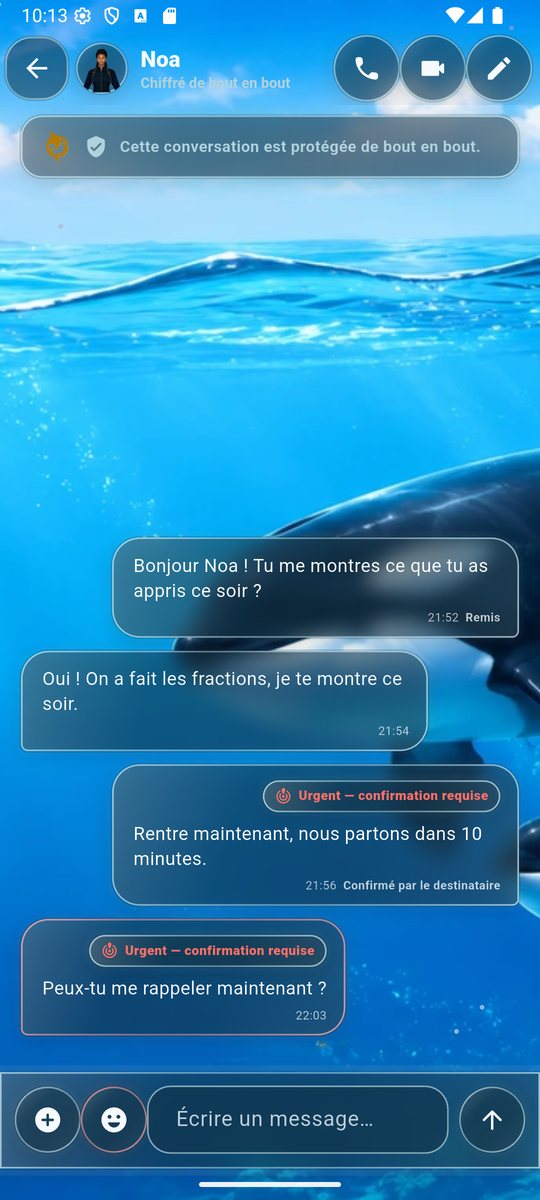
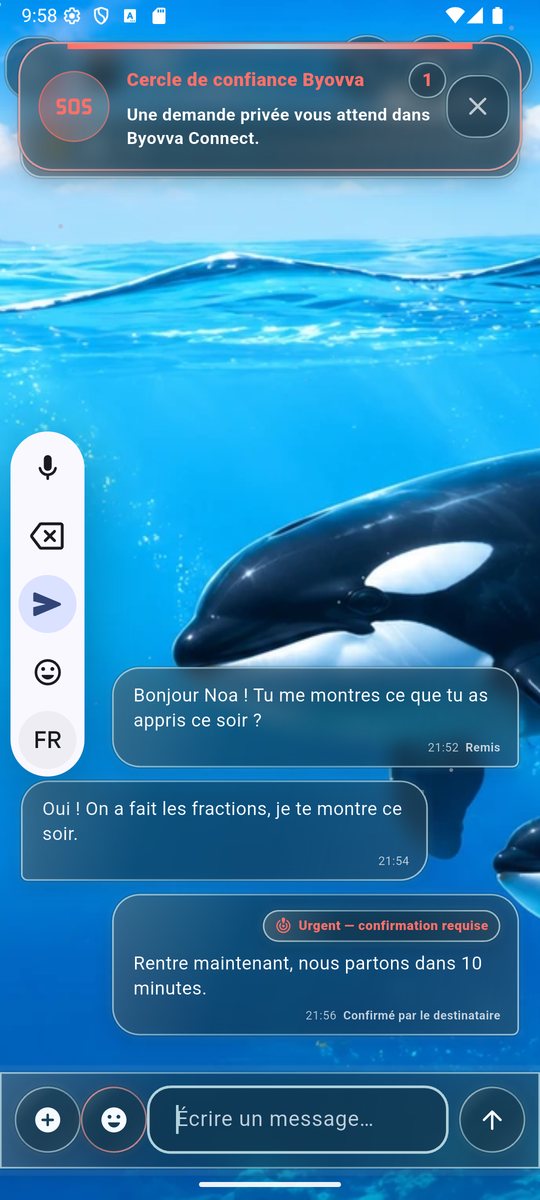
The conversation with your child is ready as soon as you link. It is end-to-end encrypted: only you and your child can read it.
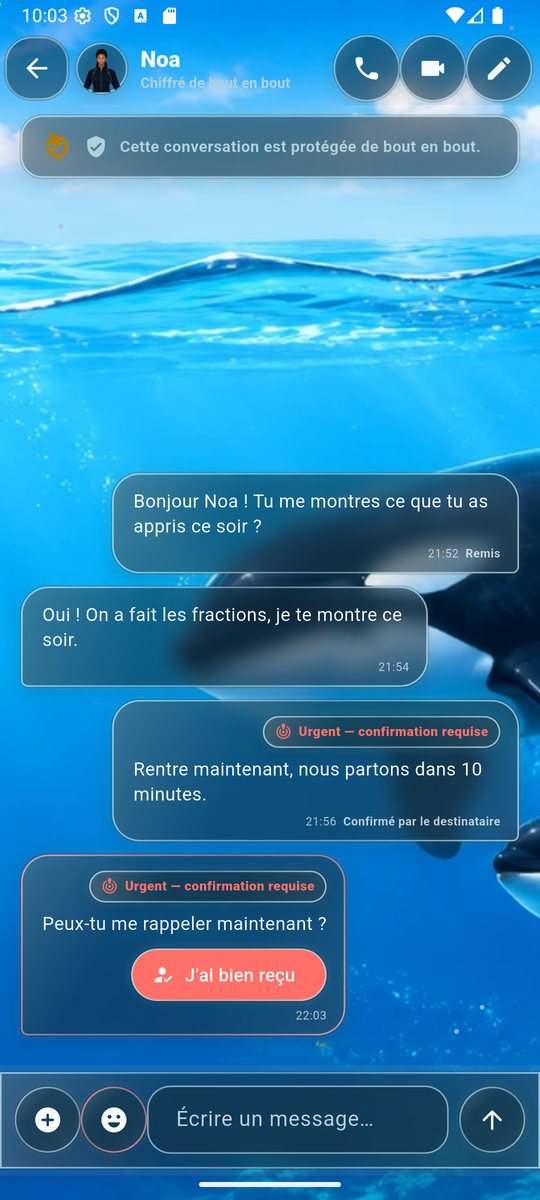
- Open the Messages tab and touch the conversation with your child.From My family, you can also touch their profile then Open the conversation.
- Write in Write a message…, then touch the send arrow.
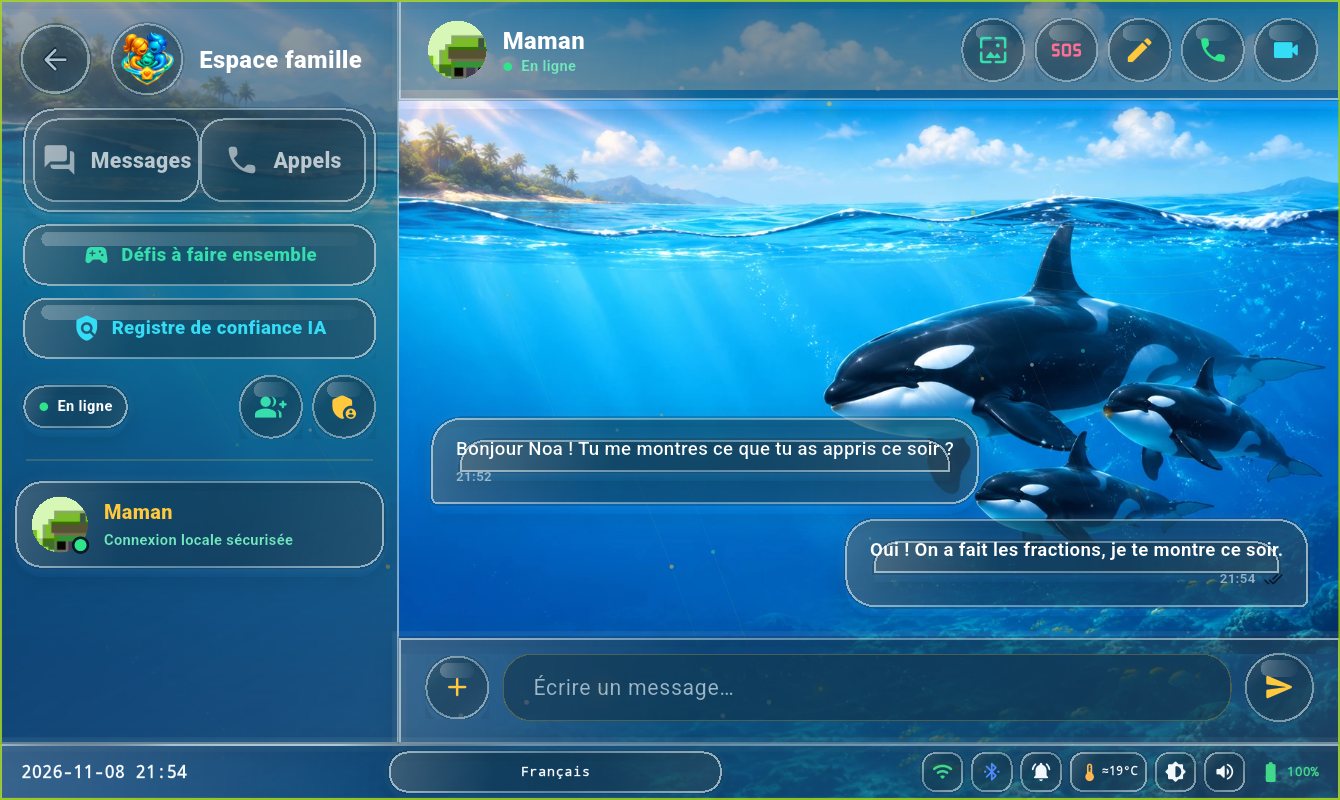
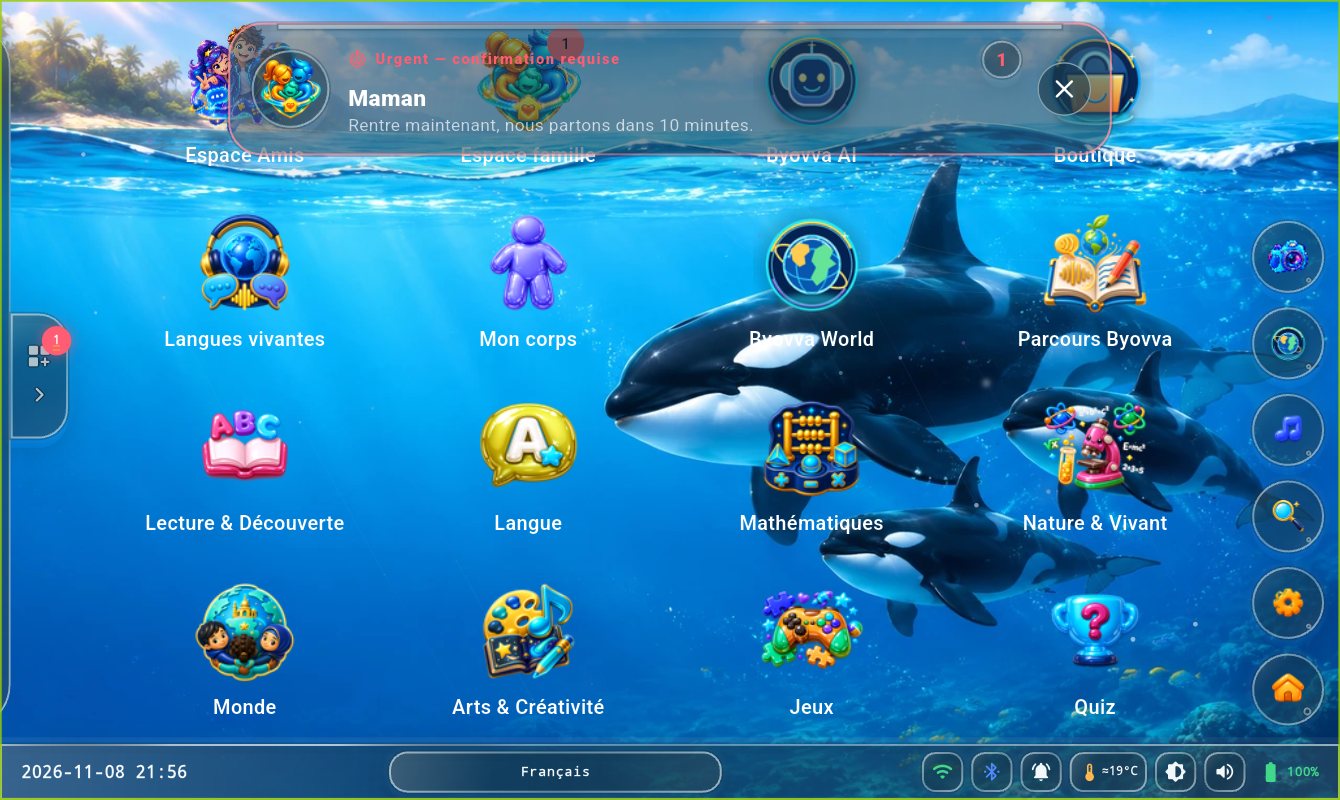
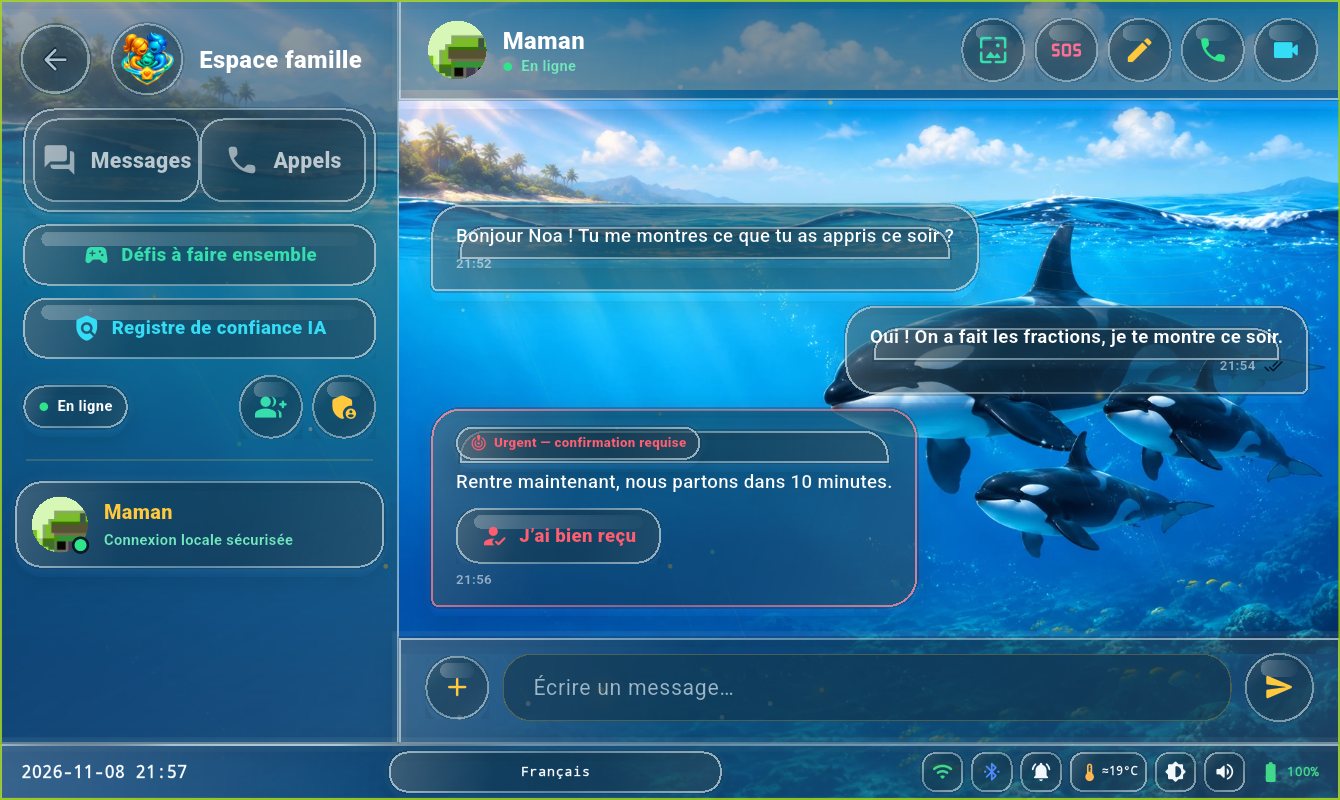
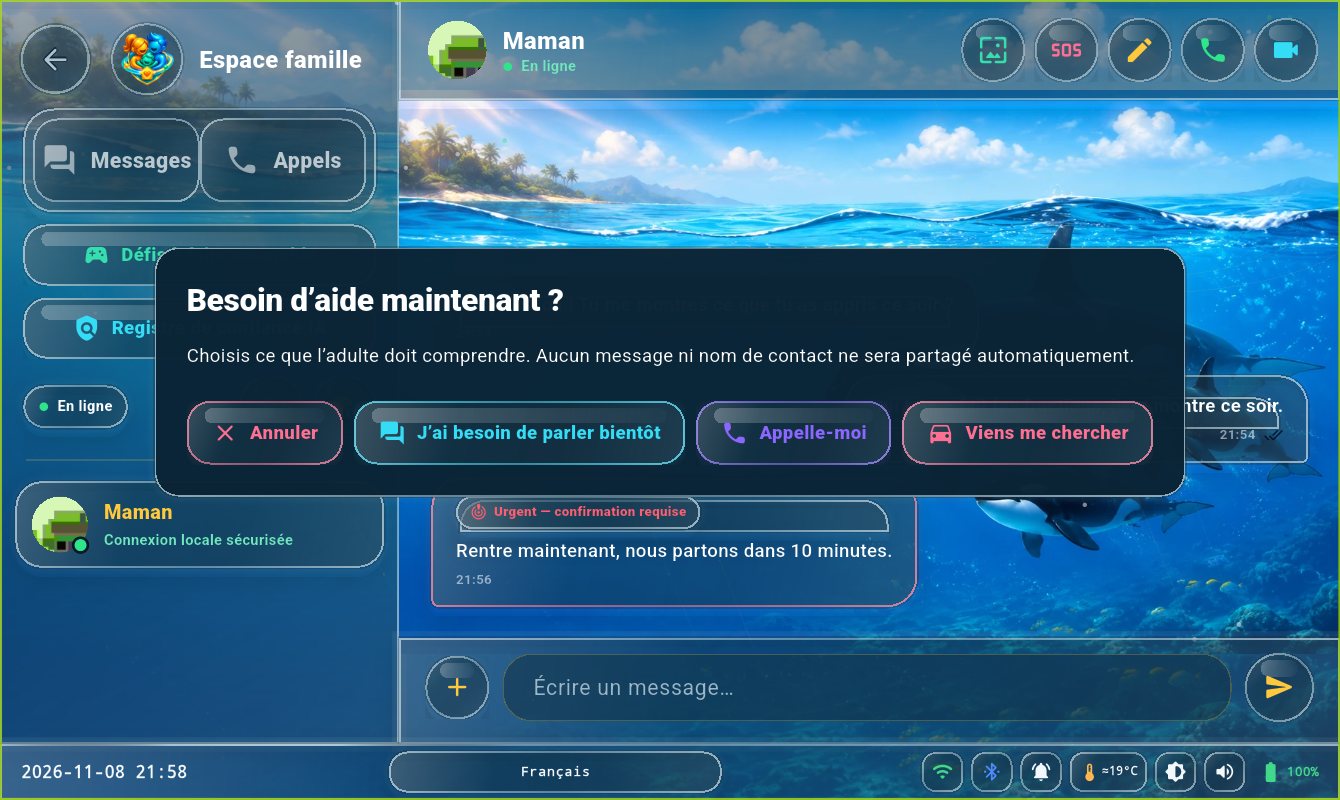
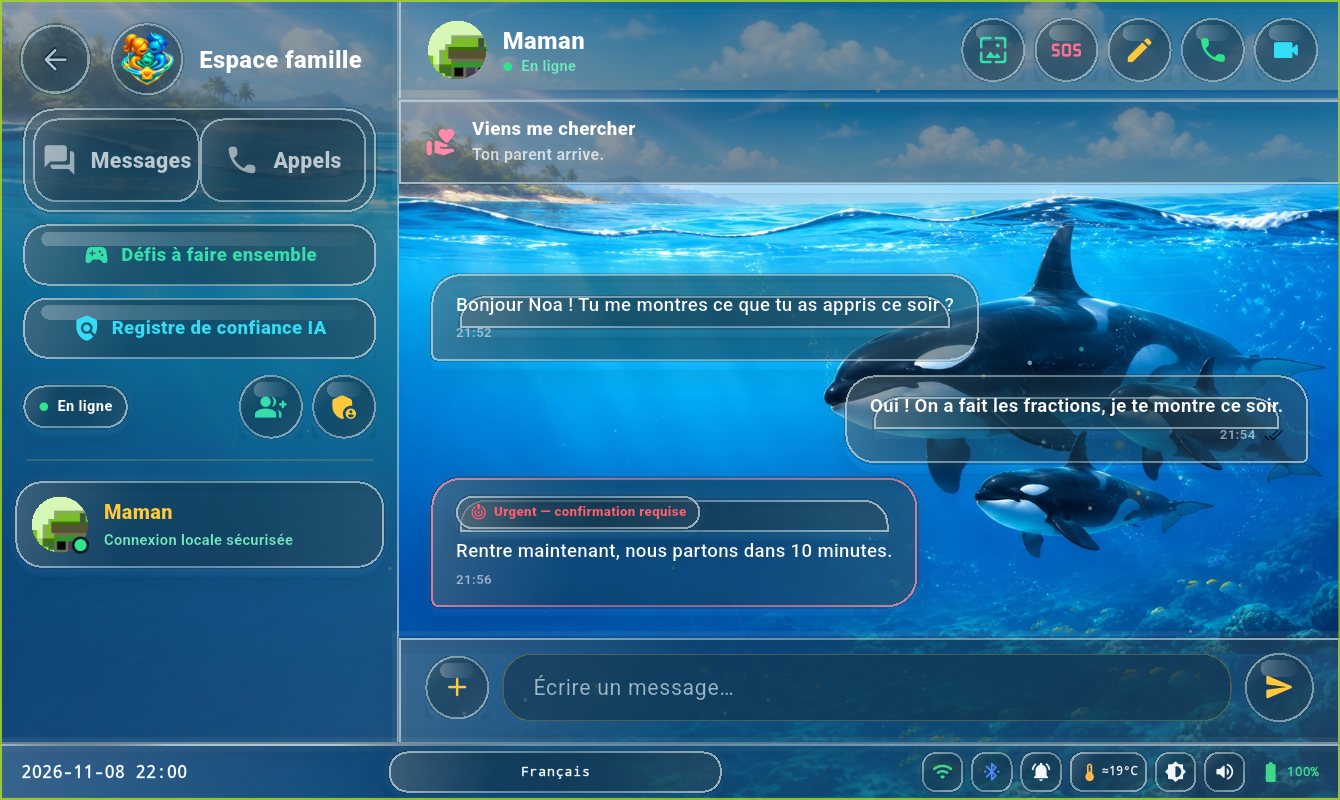
- On the tablet, a Byovva - new message banner appears for a few seconds at the top of the screen. Your child reads and replies in the Family spacetile, by touching your name.Their reply arrives in the same conversation, in Connect.
For your child to be able to write to you, your phone must be reachable: Connect open or in the background, with Internet or near the tablet. Otherwise, the tablet shows that you are offline and waits for you to come back.
What you can send
Photos, voice notes and creative tools are in the + button to the left of the field, Share in the conversation. To write to several children and parents, create a group with New group.
Follow the sending
- Encrypting…
- Pending
- Sent
- Delivered
- Pending
- Neither Internet nor the tablet nearby for now. The message will go by itself as soon as one of them is back: no need to send it again.
- Delivered
- The message has arrived on the tablet.
- Failed
- The message could not be sent. Check the connection, then send it again.
 VVA