 VVA
In Vivo
Race through the brain, dodge obstacles and pick up speed.
Learn and play offline
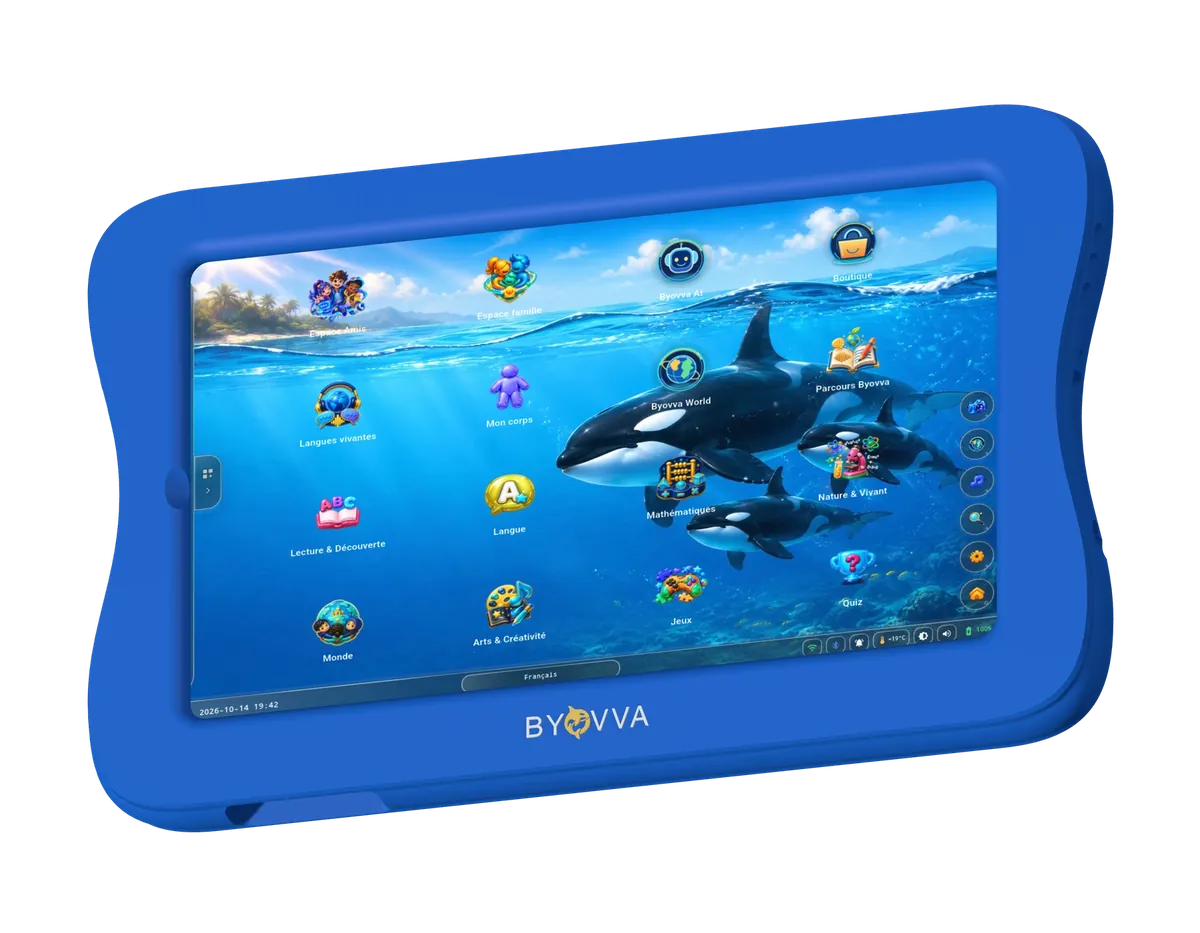
Read, create, play and explore. Installed activities on the Byovva tablet work at home and on the go.
Gameplay captured on PC, without sound.
Race through the brain, dodge obstacles and pick up speed.
Explore an archipelago and light up its islands by sorting, sequencing and solving puzzles.
Learning activity
What if your child could teach them about the world?
In a little village, curious creatures have just hatched. They bite into pebbles, lose count and wait for someone to show them what to do.
The same little characters travel with you. On the hill, in the garden or at the bakery, their latest mix-up gives you a problem to solve.
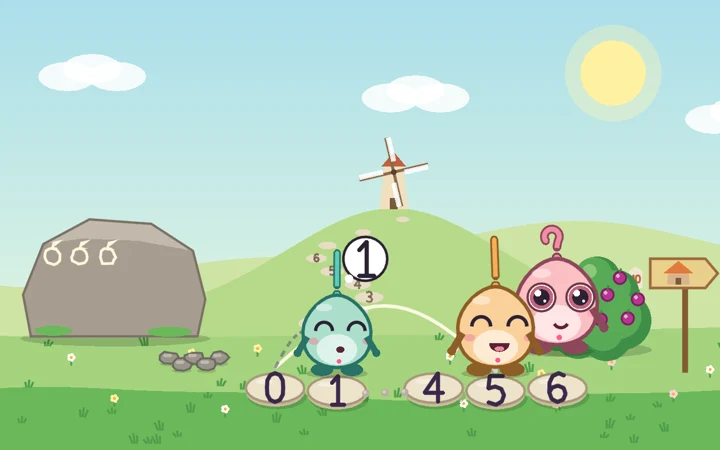
Put the missing numbers back in their places along the path.
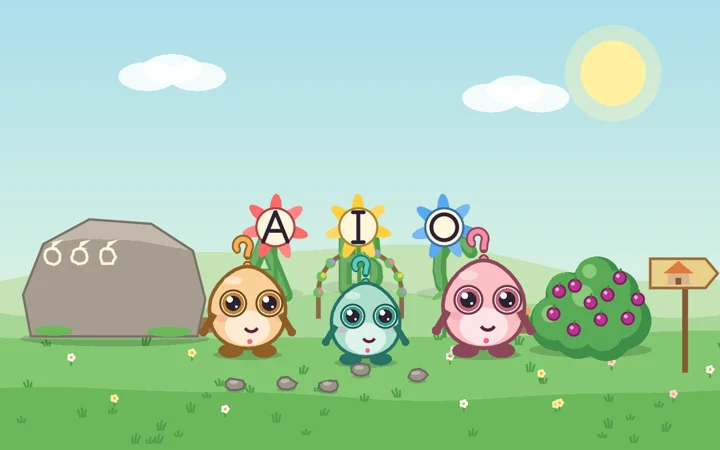
Listen to the singing flowers and show the Tout-Neufs how to recognise letters.
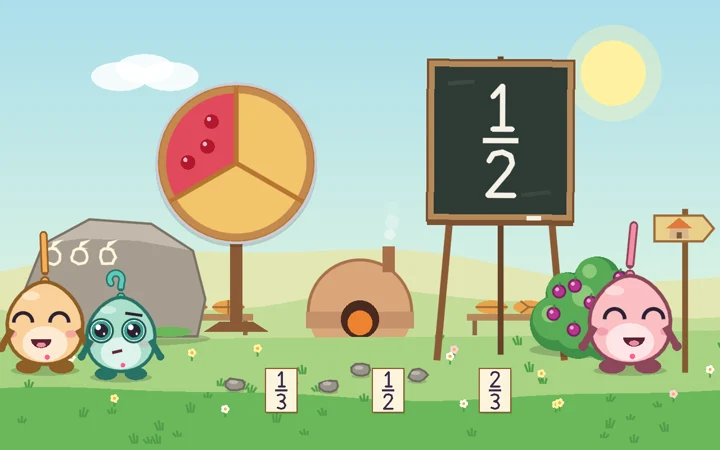
Choose the right fraction to share a pie.
Activities vary with the profile, app version and installed content.
Gameplay captured on PC, without sound.
Explore Djenné, meet its residents and help the builders of the Great Mosque.
Explore Uganda’s Bwindi forest and observe the gorillas in their clearing.
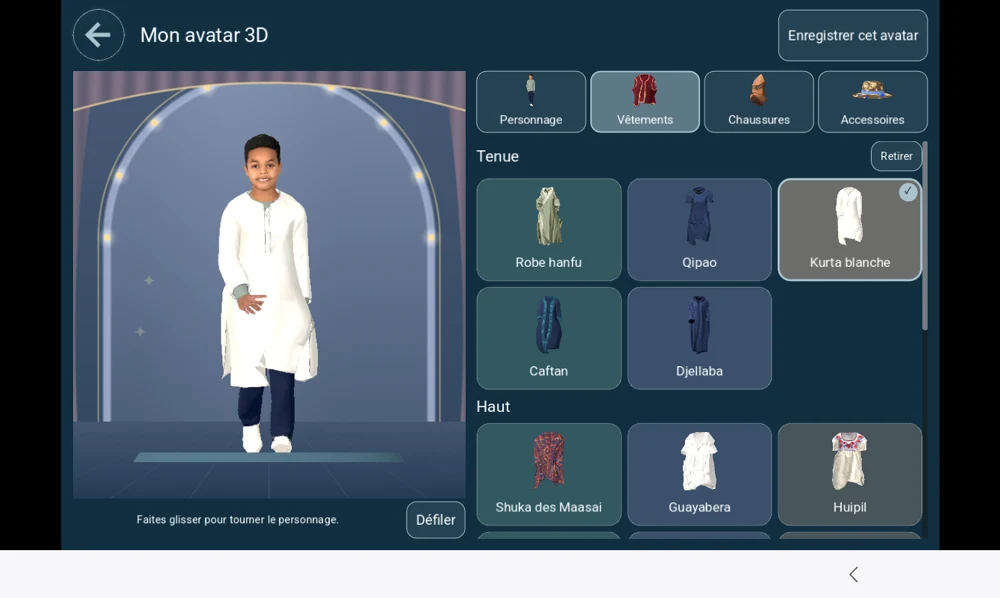
Create a character and try on outfits before setting off to explore.
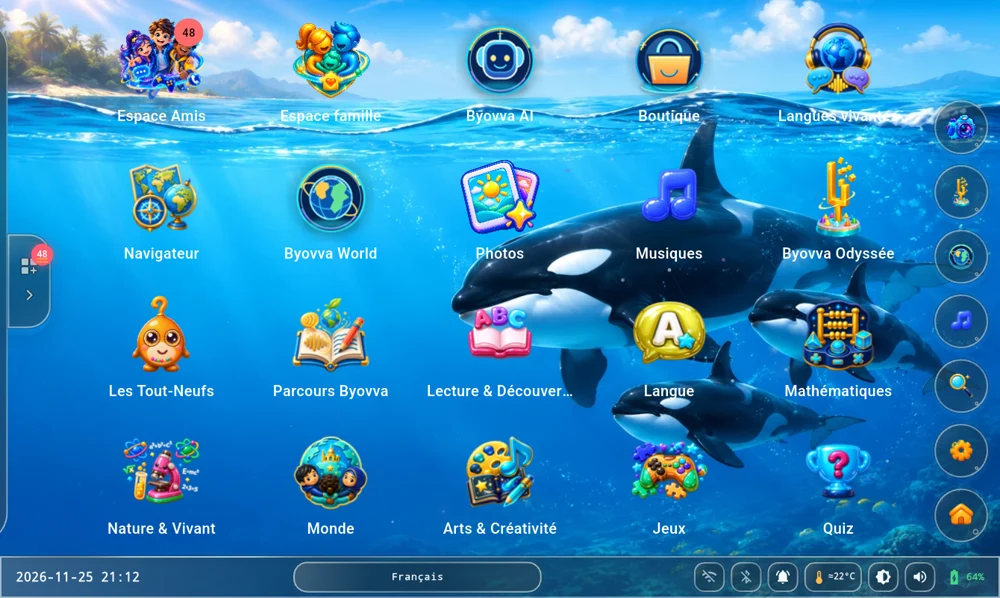
Once installed on the tablet, games, reading and worlds open without Internet. A connection is used for updates and exchanges through Byovva Connect.
Discover the tablet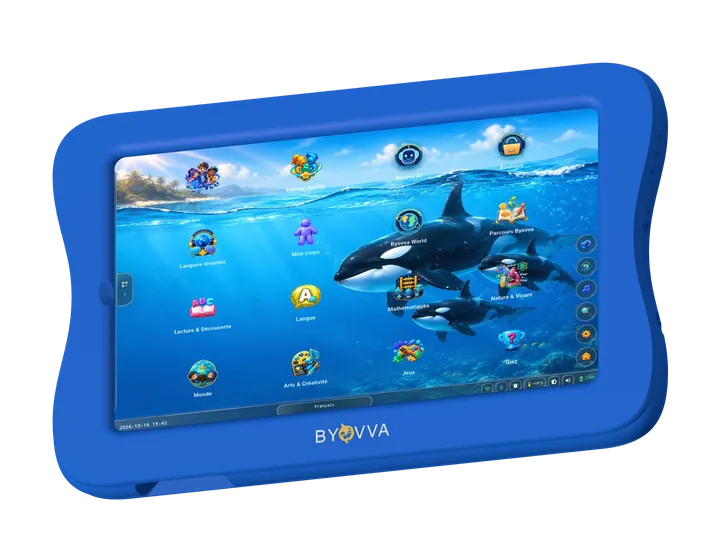
Byovva Connect lets parents exchange messages with the tablet and follow their child’s discoveries.
Explore Byovva ConnectFon, Yoruba, Swahili and Haitian Creole are among the languages available.
See the languagesFirst setup, settings, updates and how to set up Byovva Connect.
Open the guideFrequently asked questionsTry Byovva’s games and activities with your family, class or group.