 VVA
01
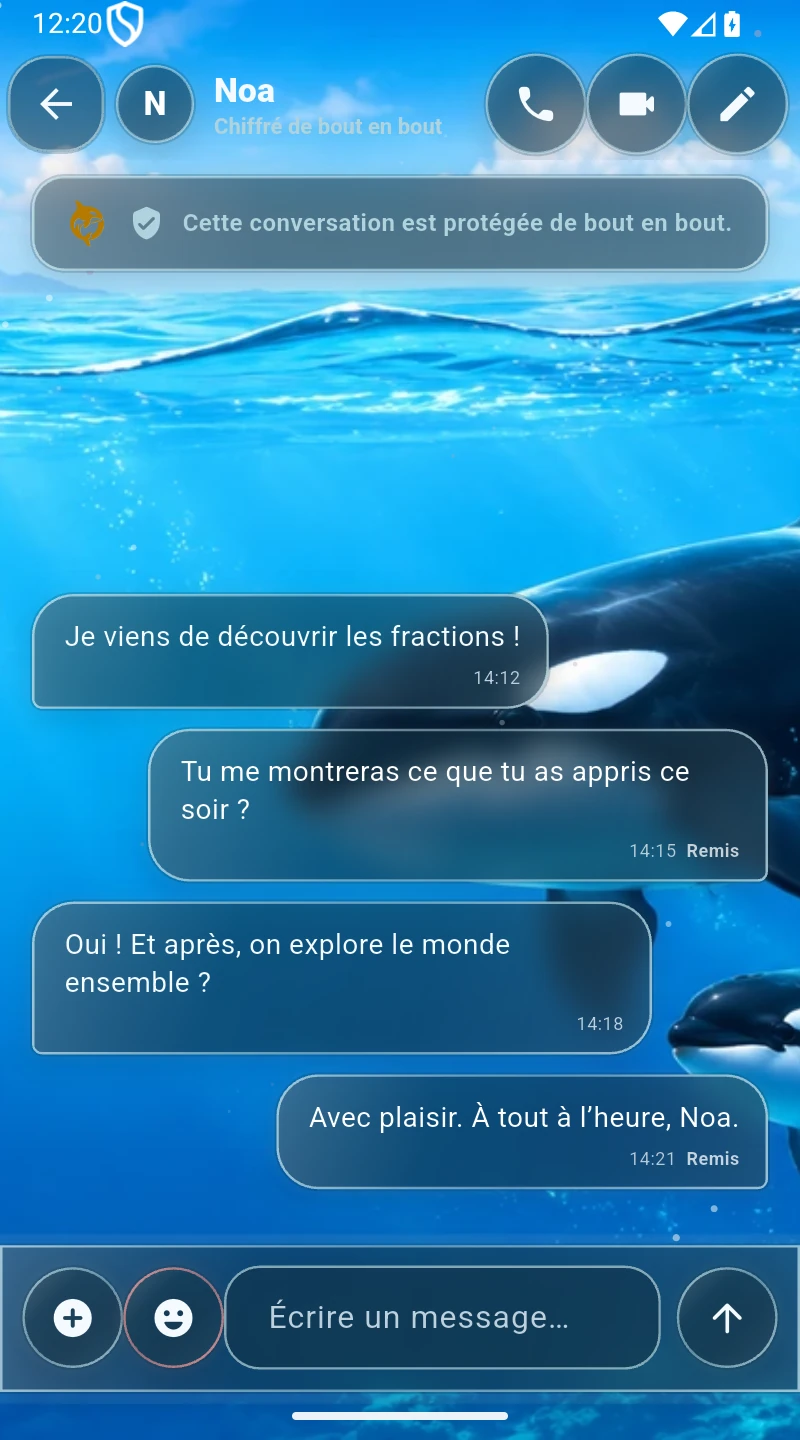
Family and messages
Preview of the family space and a sample conversation.
Preview of the app. A new video is in preparation.
Discover the screens of the family app, shown with sample data.
Byovva Connect is available on Android and as a web version. The tablet's activities can still be used without Internet. Starter kit
Look at the parts, choose an answer, learn by trying.
A sample conversation shows how messages are displayed in Connect.
Will you show me what you learned tonight?
A message in our sample conversationThe quiz explains his answer, then shows him the summary of his round.
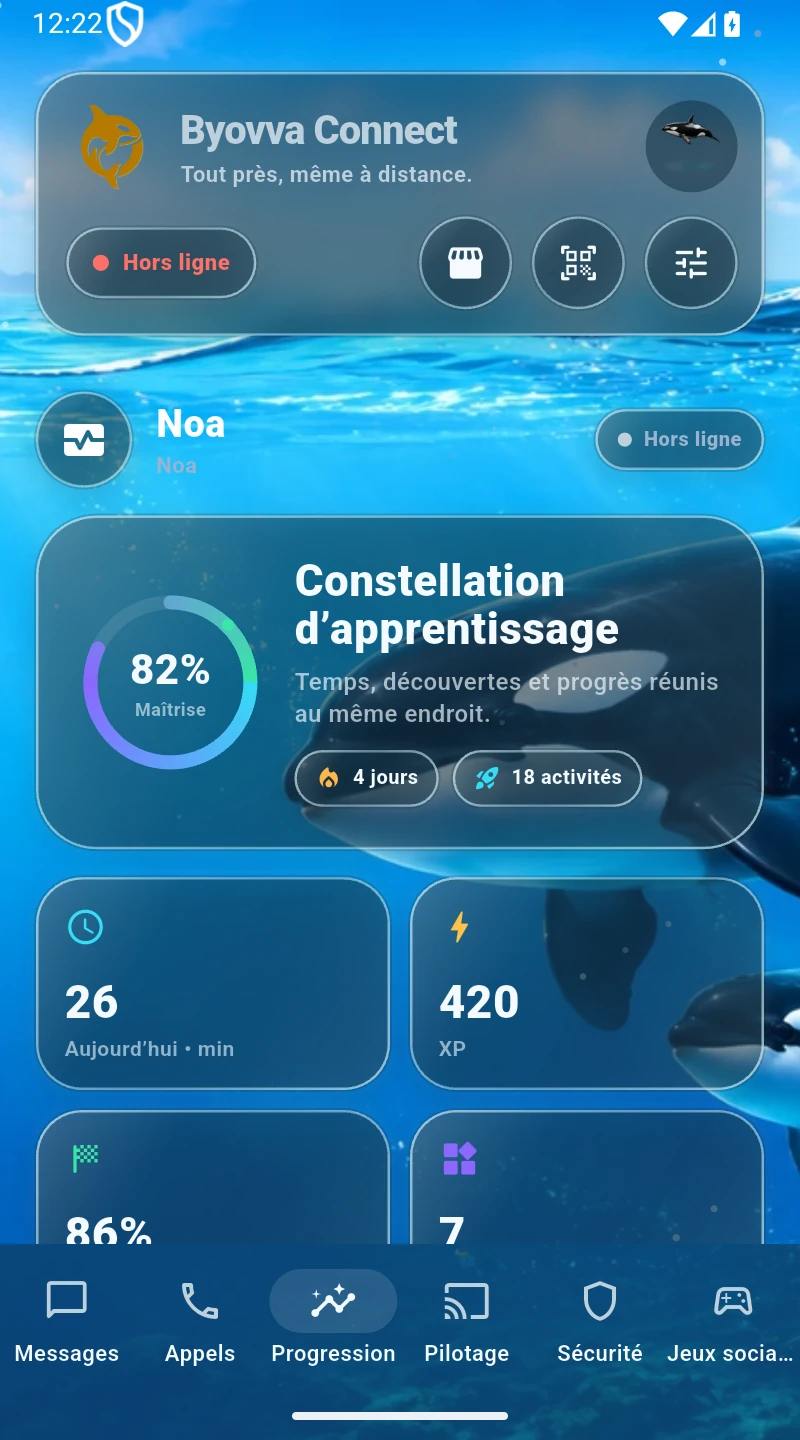
The dashboard shows sample activities and results.
A summary for them. An overview for you.
Supporting their efforts, activity after activityA place for everyone
The new Aqua interface of Byovva Connect in pictures: family, calls, progress, remote control, safety and playing together. Screenshots of Byovva Connect 1.0.6, with sample profiles and data.
01
Preview of the family space and a sample conversation.
Preview of the app. A new video is in preparation.
02
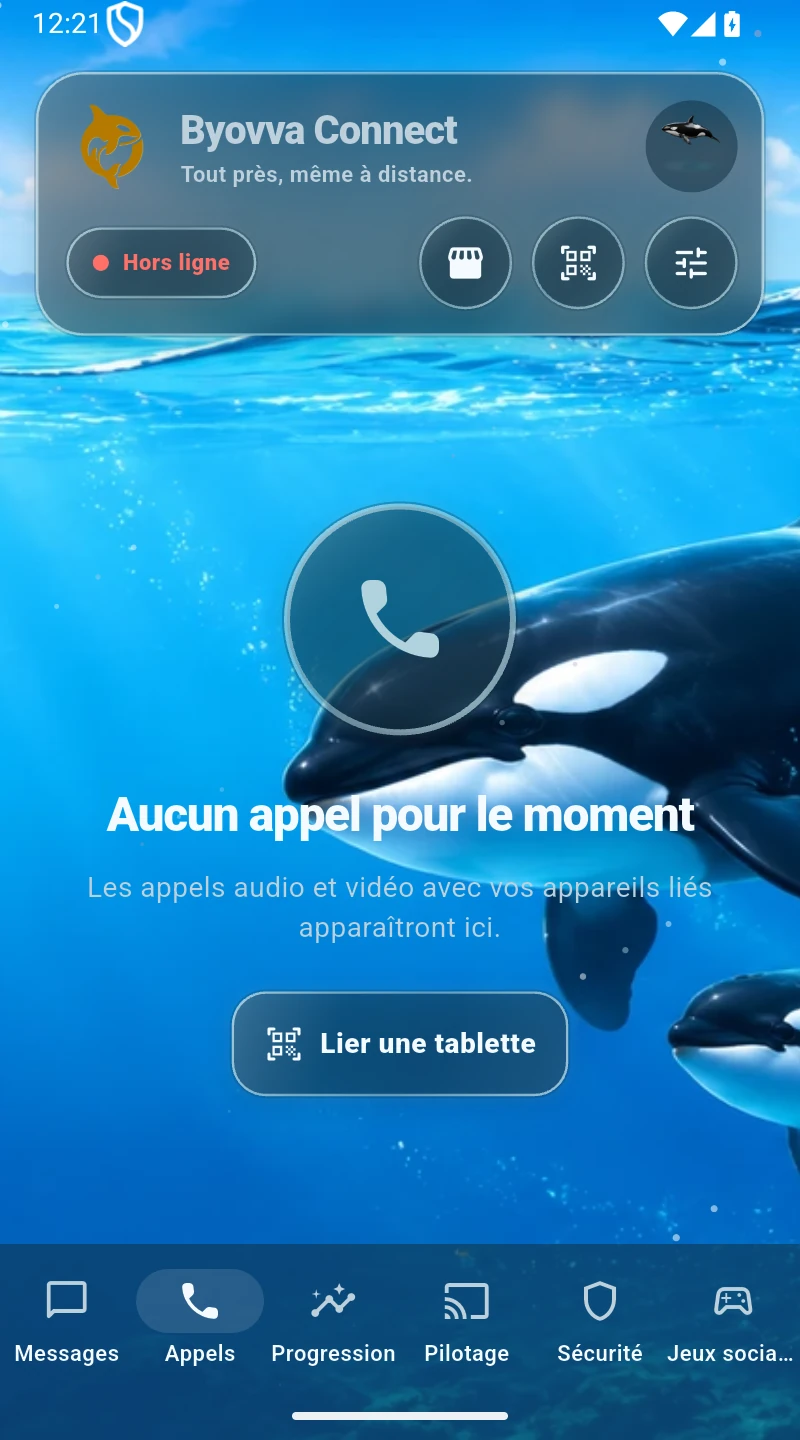
Overview of the call history. Online calls are not available in the current version.
Connect 1.0.6, Aqua interface. Preview of the calls screen, with no call made. Emulator screenshot with fictitious data, offline.
03
Preview of the tracking dashboard with sample sessions and results.
Preview of the app. A new video is in preparation.
04
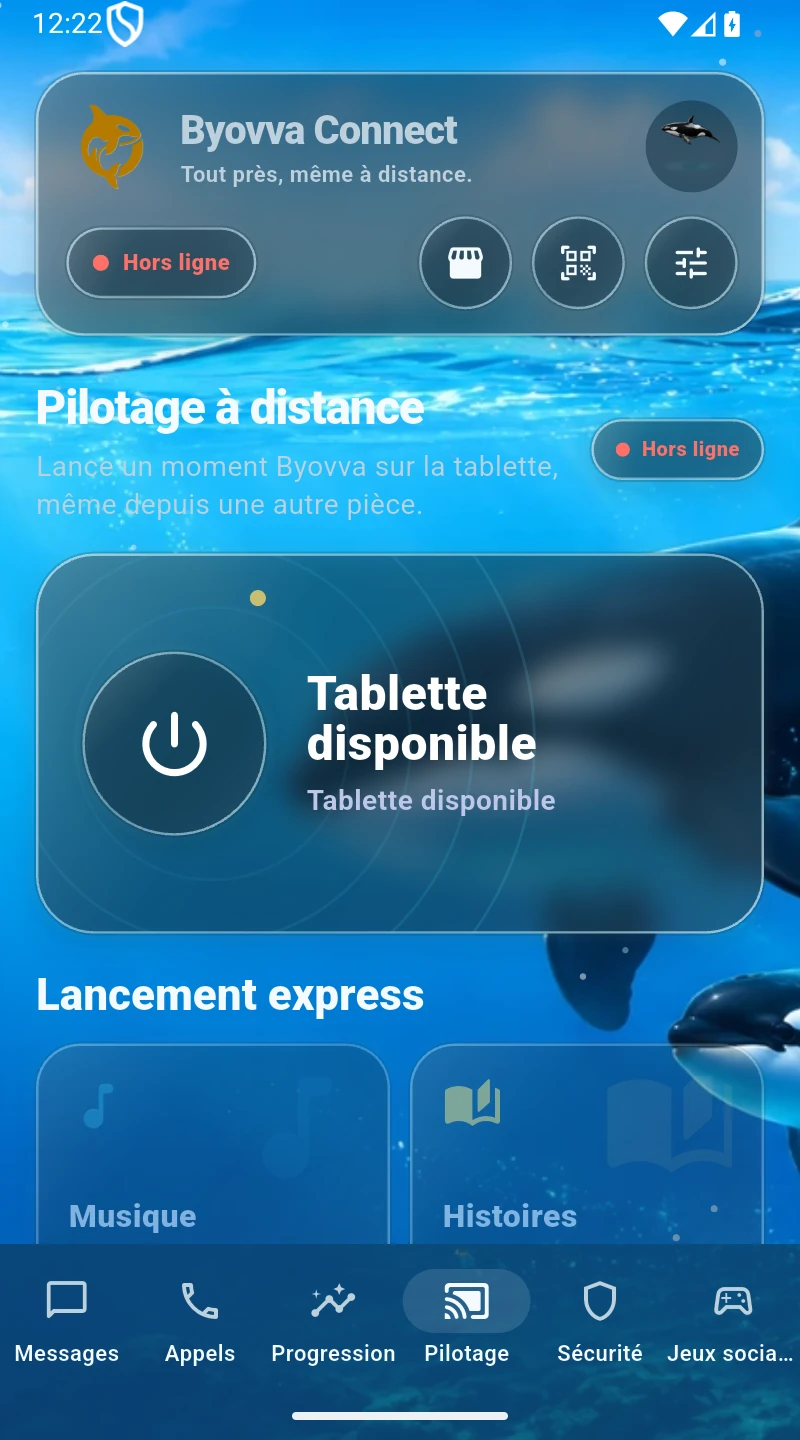
Preview of the remote control commands, with no remote control in this demonstration.
Preview of the app. A new video is in preparation.
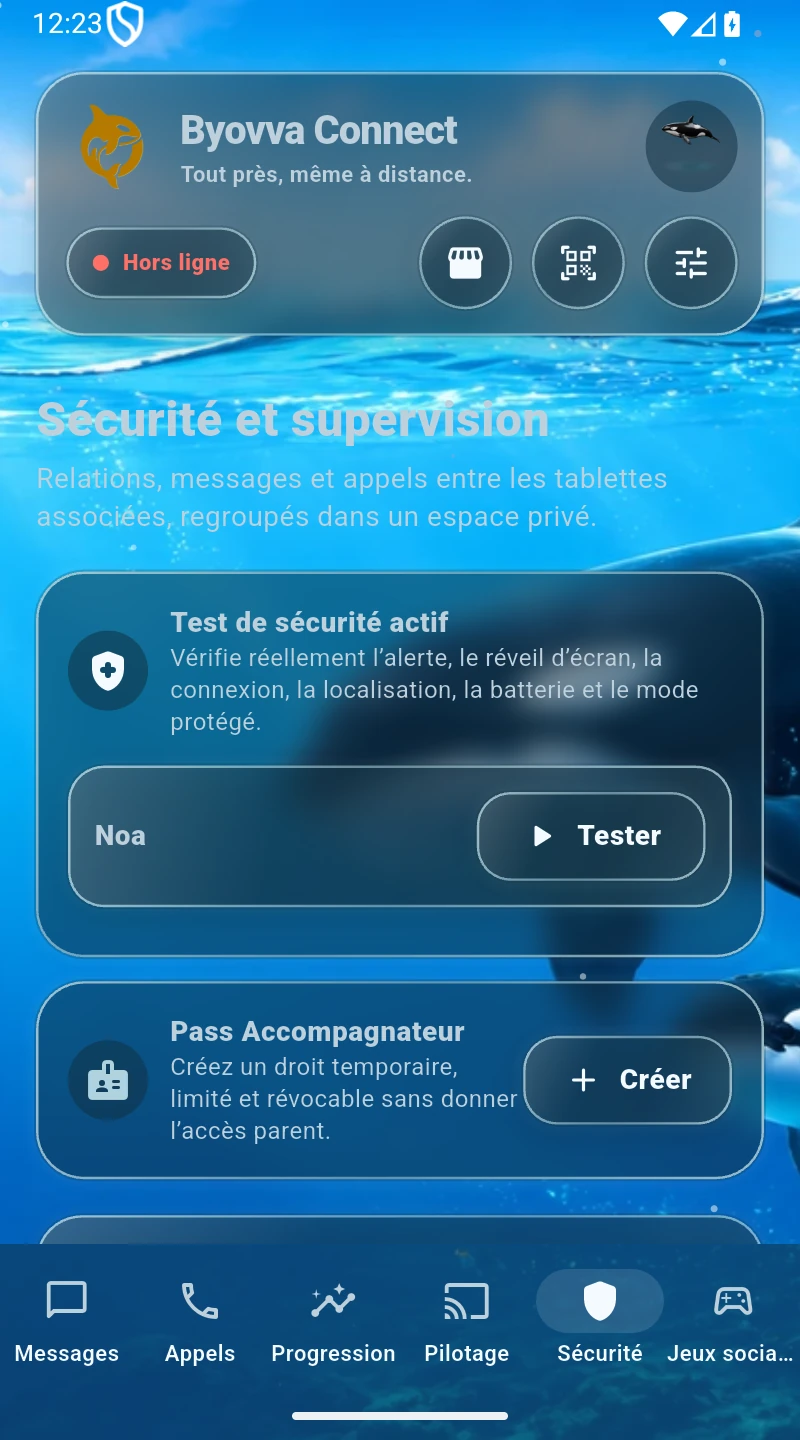
05
Overview of the pairing screens and supervision settings.
Preview of the app. A new video is in preparation.
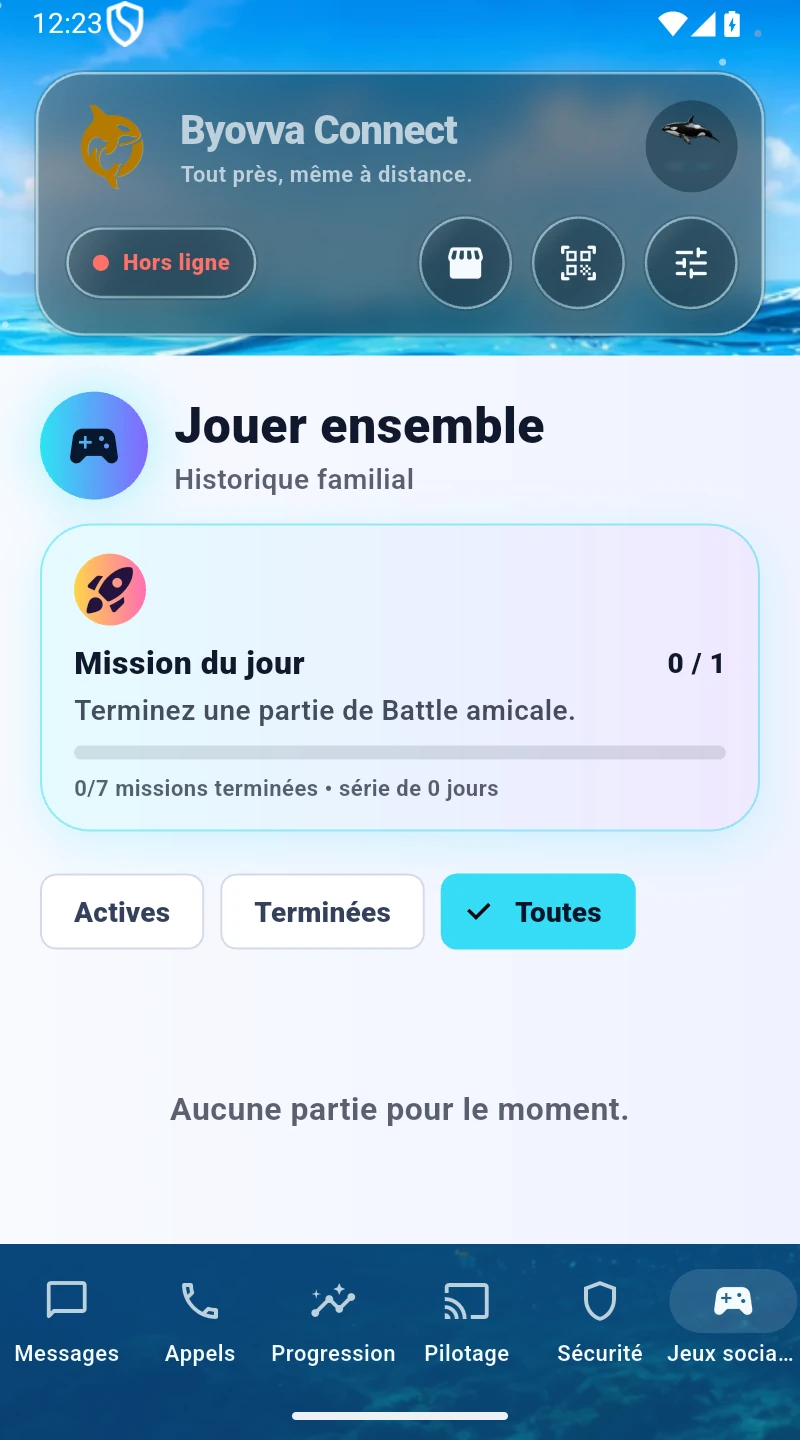
06
Preview of the history and invitations, with no online game.
Preview of the app. A new video is in preparation.
The scenes use demonstration profiles. Conversations and progress use sample data.
You stay in control
The interface shows a pairing flow with a QR code and confirmation.
The screens show the support and supervision settings.
Dedicated spaces present the management of devices and relationships.
And now, your Byovva
Request a demonstration focused on what matters to you.
Their interests, their learning and your place by their side.
Prepare my demonstration School or educational projectA class, a workshop or a group: let's start from your project.
Present our project